
Patient Portal
We have been experiencing intermittent disruptions in our credit card processing. If you do not get a confirmation that the transactions have been processed, please call 573-754-5531, request our business office and we’ll confirm the transaction.
Welcome to PCMH’s HealtheLife Portal, your secure, online health management tool that allows you to access your medical information 24/7. Get updates on everything from test results and patient visits to current and past medications, as well as messaging to, and from your physician. You will be notified via email when any new information has been added into your PCMH’s Health Portal account.
How-To Guide for Setting Up Your Account:
Frequently Asked Questions
Patient Portal Web Based Guide
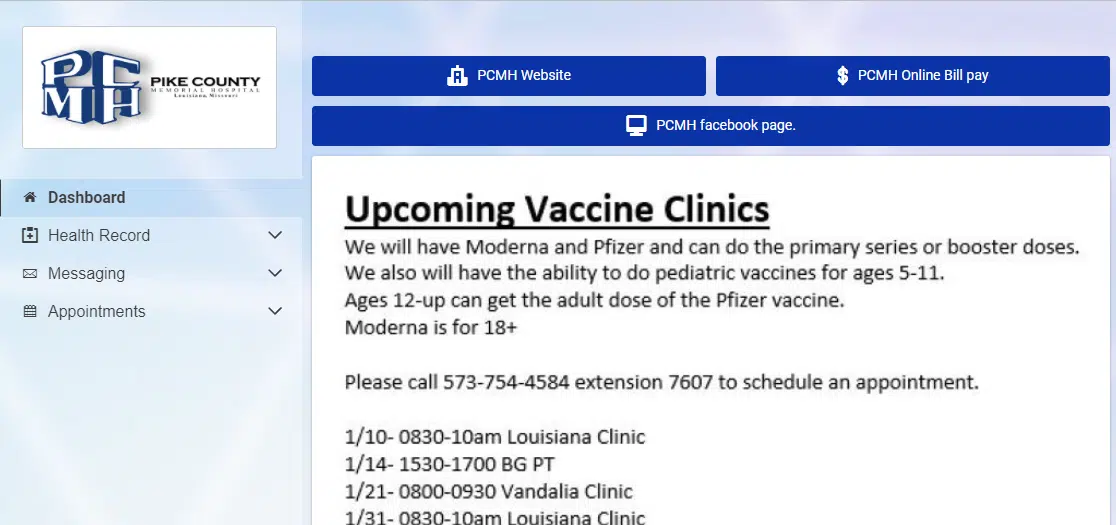
When you first log into the patient portal you will be on the Dashboard page, which will act as the homepage. From here you can visit the PCMH Hospital Website, PCMH Online Bill Pay and the PCMH Facebook Page. These 3 items are located at the top within the blue header. The section below will host variation information about upcoming PCMH events (check back often for updates!)
To the Left you will see the options of Dashboard, Health Record, Messaging, and Appointments. More to come on those.
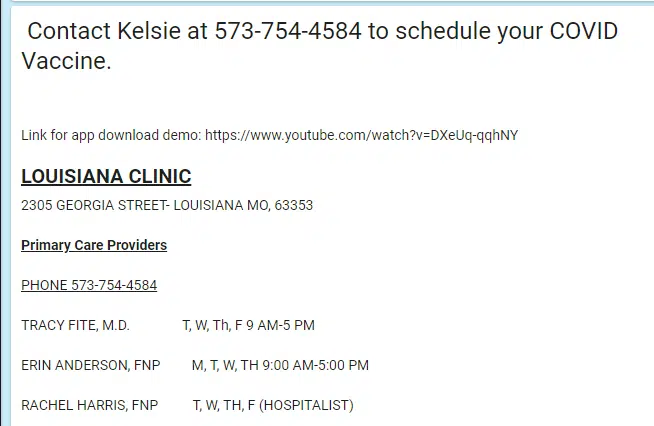
Below that you can see services we offer at each clinic!
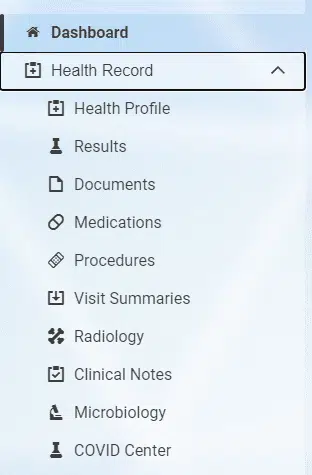
Under the Health Record there are several categories. Below, you will find a brief explanation of the items you can find in each category.
- Health Profile-will display Current Medications, Immunizations, Current Allergies, and Health Issues (also called diagnosis or problems).
- Results-Lab values, height and weight measurements, Basic Vital signs
- Documents-discharge summaries and education notes
- Medications-shows a list of your medications
- Procedures-surgical history
- Visit Summaries-You can download or send a copy of your health records from here.
- Radiology-radiology results are posted here.
- Clinical Notes-Progress notes from different departments you have utilized at the hospital
- Microbiology-function to potentially come later.
- COVID Center-COVID immunization records and lab results
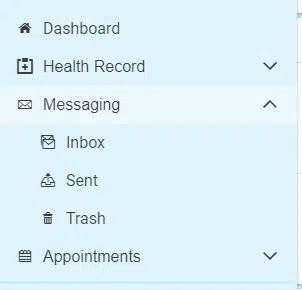
Next you will see there is a messaging center. From here you can message your health team questions, refill request, or other none emergent items.
- Inbox-Send a new message from here. You will also see other messages you have received from your health team.
- Sent-Send a new message from here. You can see other messages you have sent to your health team.
- Trash- contains deleted messages
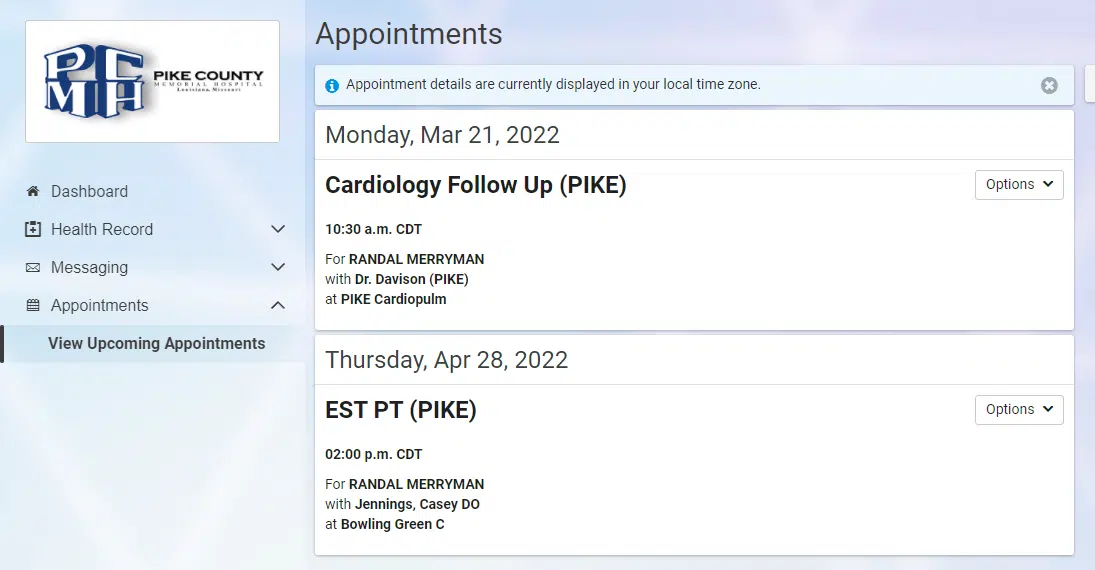
The last section that the portal offers is a list of all the upcoming appointments you have.
When you appear at a clinic or have a hospital visit, you will be asked if you would like to sign up for the patient portal. You will receive an email invitation with a link that connects you to another secure site where you set up your portal user account. You can also call your provider's office to request an invite.
If you are a Pike County Memorial patient but haven’t visited your doctor recently, stop by one of our clinic locations and request an invite.
-
- You will receive an e-mail that has the registration invite. From the email, click the link to create an account.
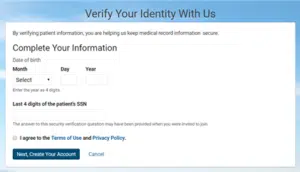
- The Verify Your Identity With Us form is displayed.

- Enter your date of birth if it is not automatically entered for you.
- Answer the challenge question, which was provided by your healthcare team.
- Select the check box to agree to the Terms of Use and Privacy Policy. (Click the links to view these policies.)
- Click Next, Create Your Account. An account creation page is displayed.

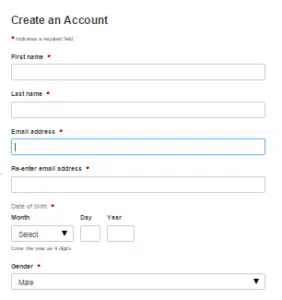
- Enter your first name and last name if they are not automatically entered for you.
- Enter your email address.
- Enter your date of birth and gender if they are not automatically entered for you.
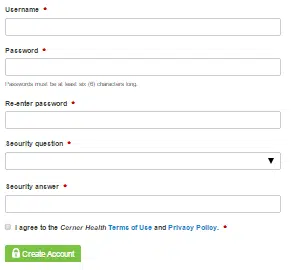
- Create your username and password.

- Choose a security question to help you recover your account if you ever need to reset your password.
- Answer the security question.
- Select the check box to agree to the Terms of Use and Privacy Policy. (Click the links to view these policies.)
- Click Create Account. You now have successfully created your account. Remember your username and password, as you will need to use them each time you log in to the patient portal.
Use the “Forgot Password?” link to reset your password. You will receive an email with a link to create a new password.
The HealtheLife app is on Apple or Android.
If you do not receive the e-mail, have misplaced, or deleted, please contact your care team at Pike County Memorial Hospital for further instruction at 573-754-5531 ext 7200. Pike County Memorial Hospital and Clinics is dedicated to helping improve your overall health care experience by providing convenient resources to help you manage your health!
Questions?
If you have any more questions about the services we render here at Pike County Memorial Hospital, please, don't hesitate to reach out.